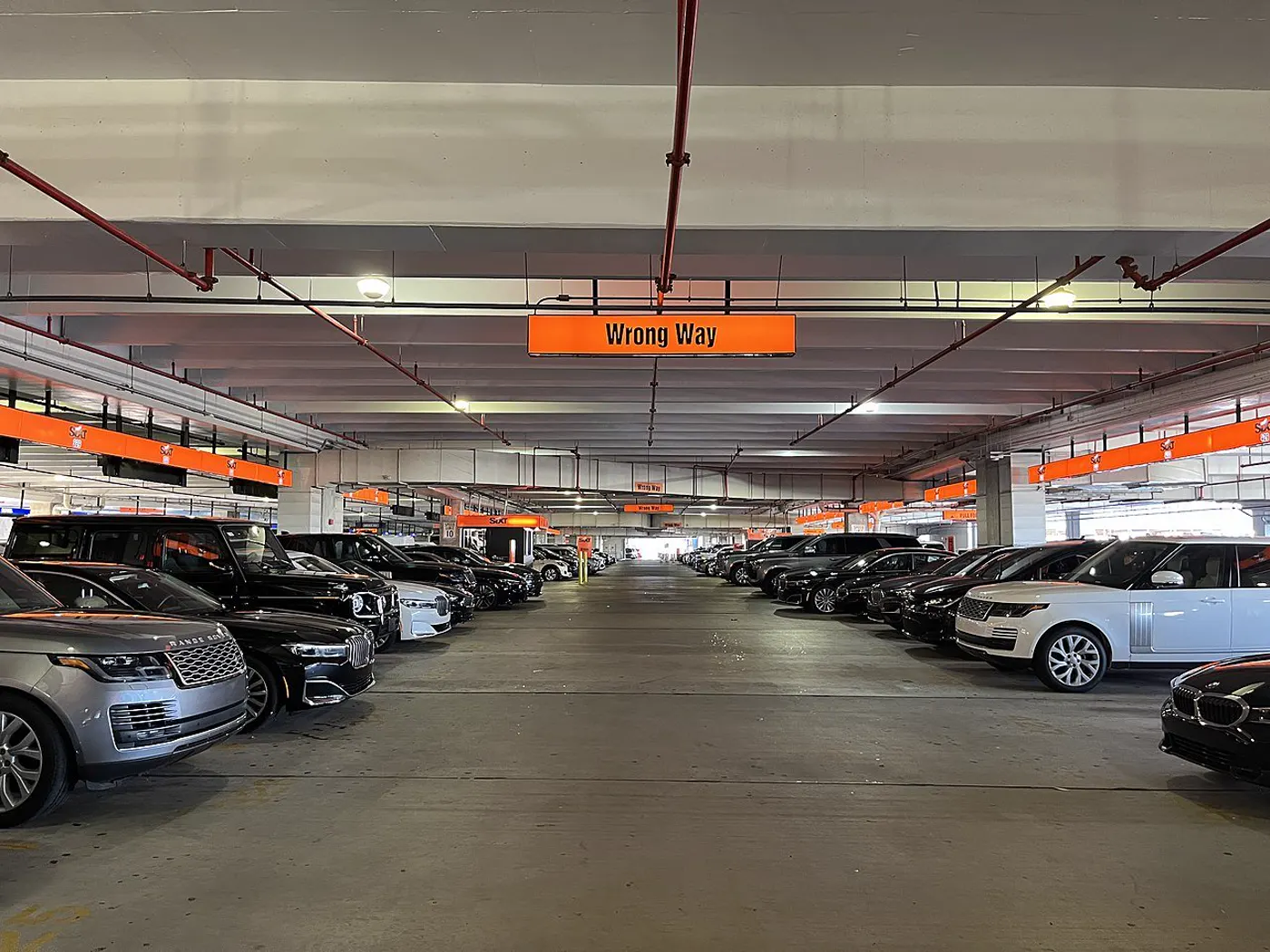
Rental car pickup checklist: before you leave the garage
What to check, what to skip, and how to leave the garage feeling like the car is already yours.
The road deskSeptember 2, 20265 min read
Photo: Benoît Prieur · CC0 · resized and converted to WebP
Keys in hand? Nice. Before you race toward your first Vegas stop, run through this rental car pickup checklist. A few calm minutes now can help you spot a problem while the rental team is still right there.
Make yourself comfortable first. Adjust the seat and mirrors, find the lights and wipers, and check how to open the fuel door or charging port. No shame in asking staff — unfamiliar buttons are part of an unfamiliar car.
Walk around the car and photograph its condition, including the wheels, windshield and fuel or charge level. If you notice damage, ask staff to record it before you leave. Photos are useful documentation, not a guarantee that a dispute can’t happen.
Check the fuel or charging policy on your actual agreement. If something sounds different from what you booked, ask about it now. The right answer is the one in your rental terms, not whatever worked on your last trip.
Set navigation and connect your phone while parked. Then put the phone down and ease out of the garage. Your playlist can wait; finding the exit safely comes first.
Keep reading